Designing a Dashboard for a CIO
A strategic network dashboard that outgrew its brief and became the product's core entry point
Client
Role
Lead Product Designer
Platforms
Desktop
The Problem
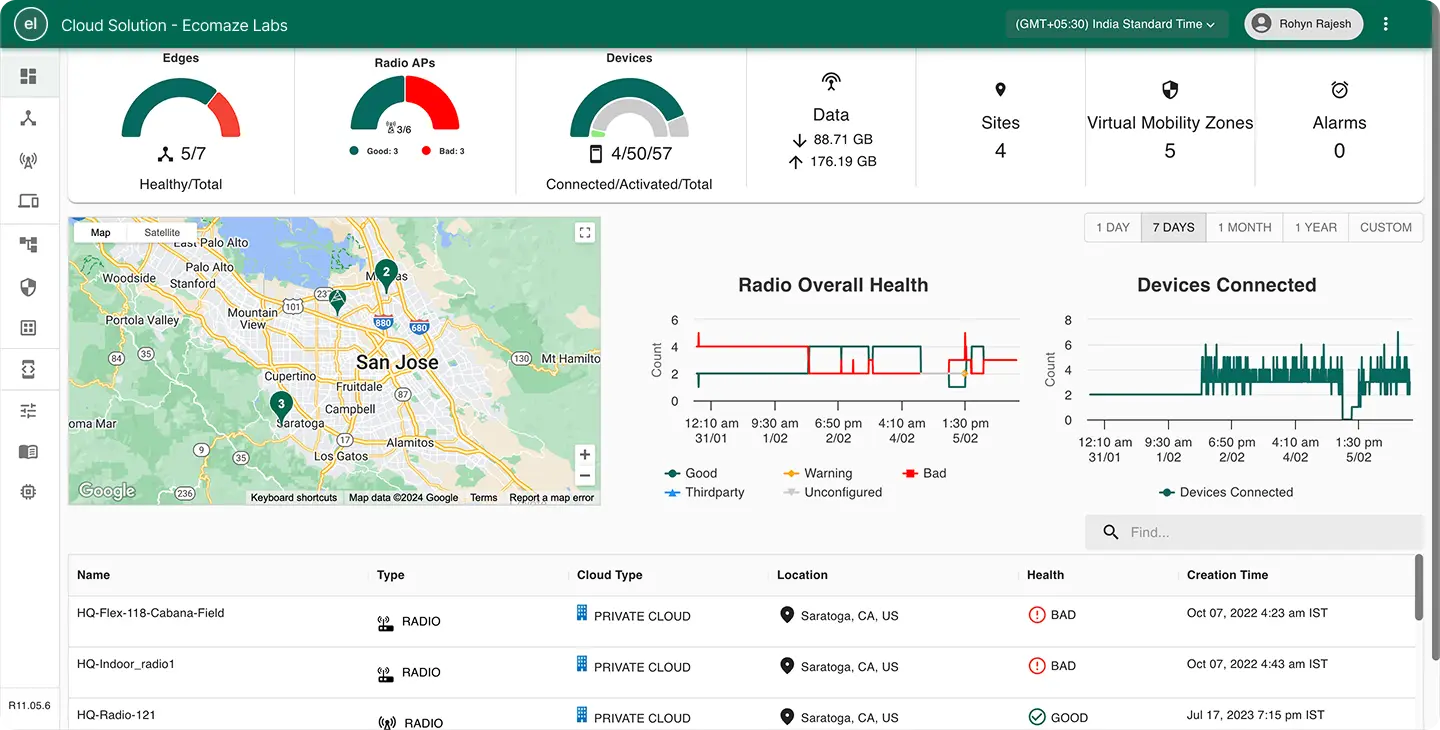
Highway9's single dashboard was trying to serve everyone and therefore serving no one particularly well. The decision to split it into role-specific dashboards meant starting with the two most distinct users: the CIO, who needed strategic visibility, and the IT Admin, who needed operational depth.
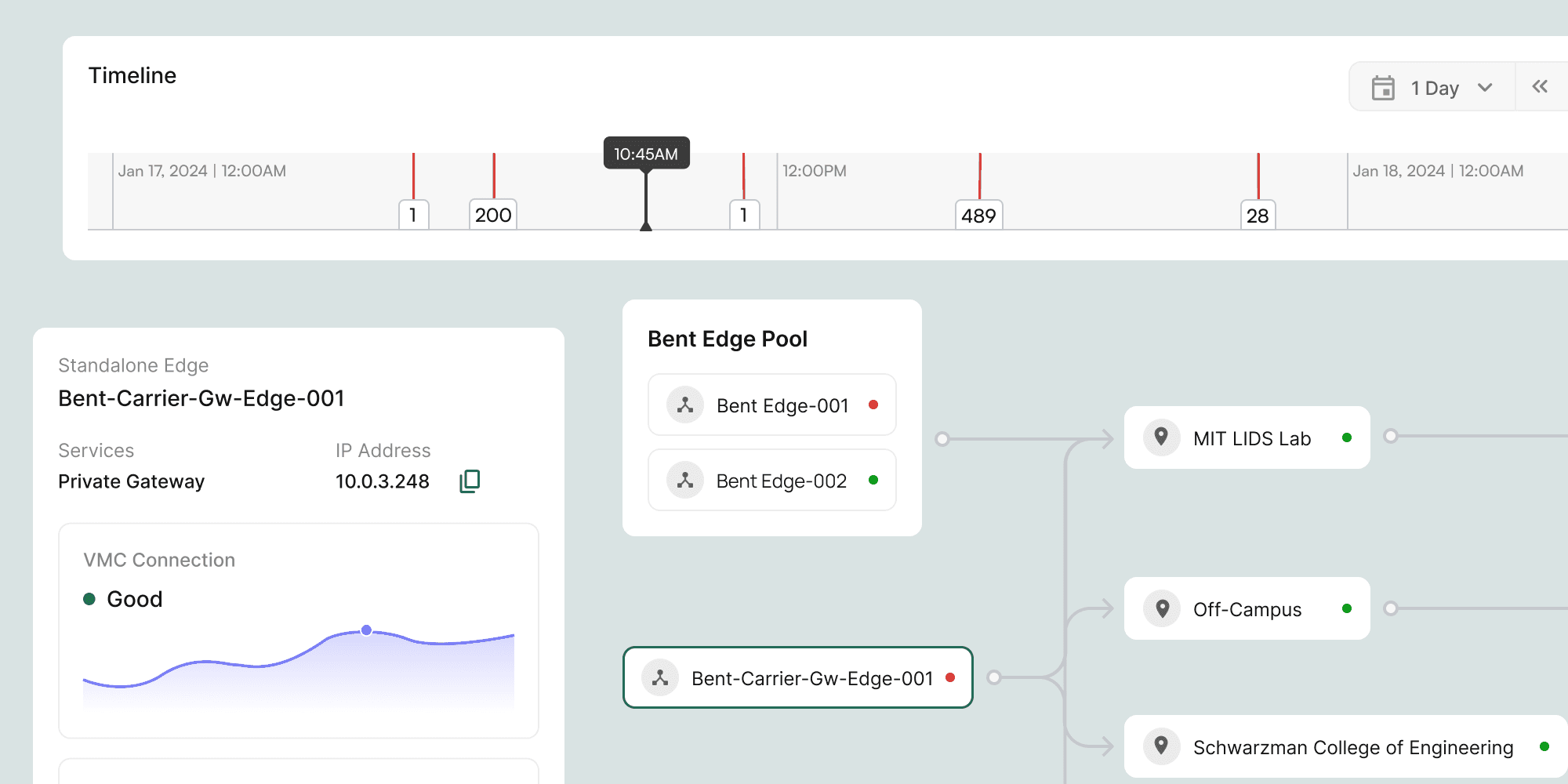
Designing for a senior decision-maker who looks at the platform infrequently and needs to quickly grasp network health, growth, and coverage across multiple locations is a harder problem than designing for a power user. The risk is not missing features. It is cluttering the view with information that is not actionable at that level.
Key Design Decisions
Process
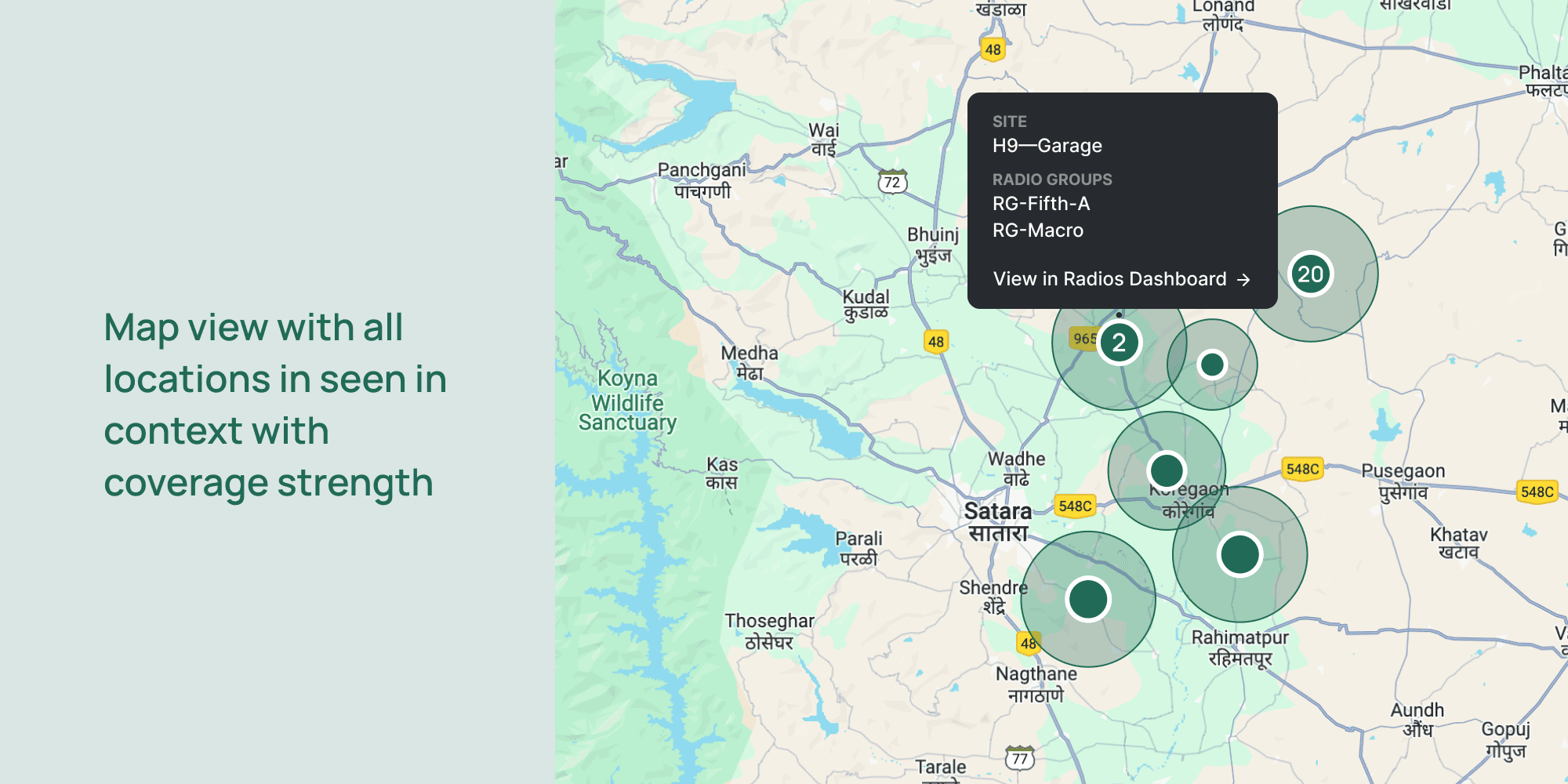
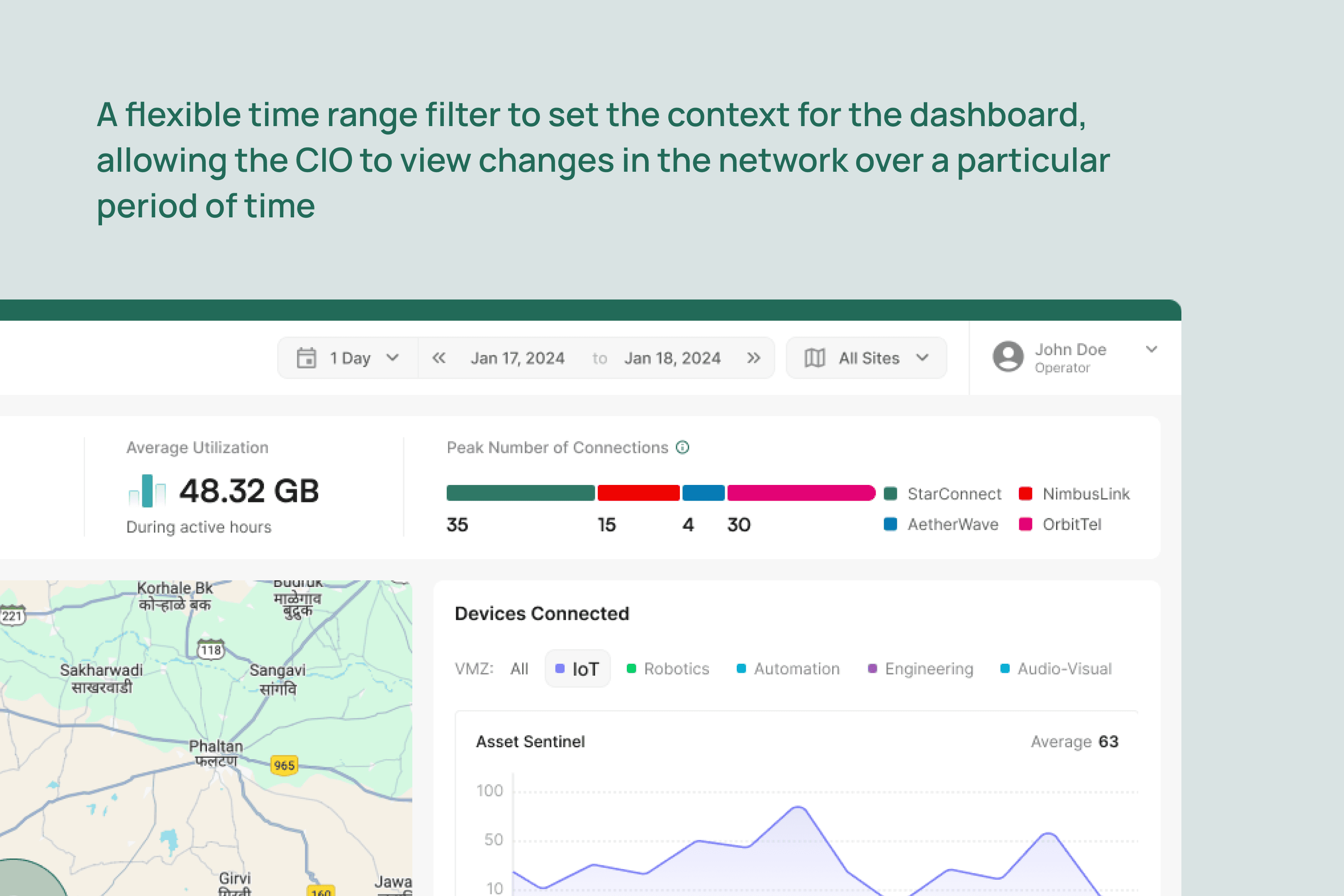
I began by creating a CIO persona to capture the goals, responsibilities, and decision-making needs of senior leadership, distinct from the operational focus of IT Admins or Engineers. I collaborated closely with the client team to identify which metrics were most relevant to a CIO and why, prioritising data that would provide genuine strategic value rather than operational noise. A key insight was the importance of location-based context: the CIO needed to view infrastructure on a map, drill down by location and time range, and identify usage patterns that could inform decisions about expanding internet services.
Iterations
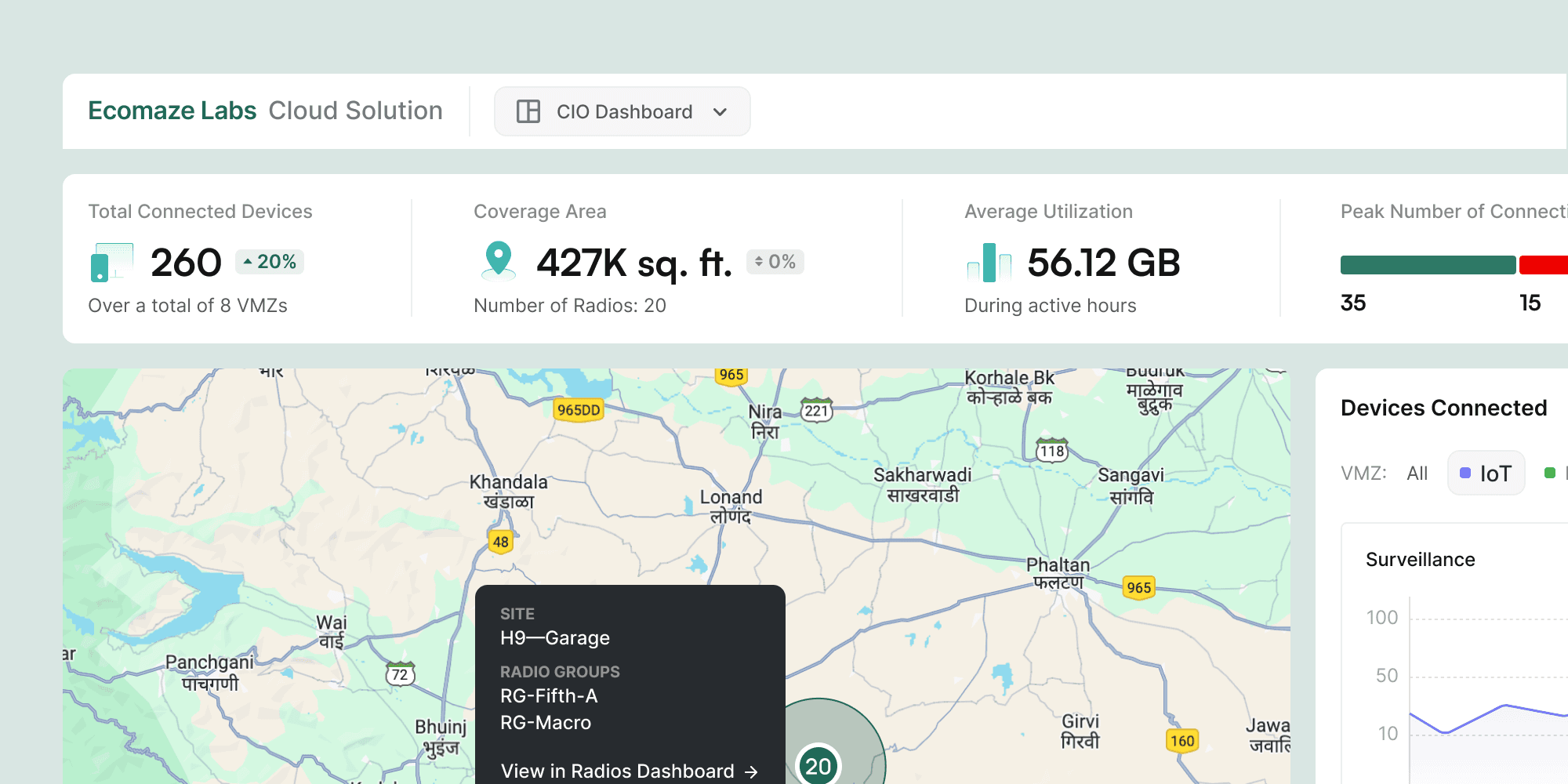
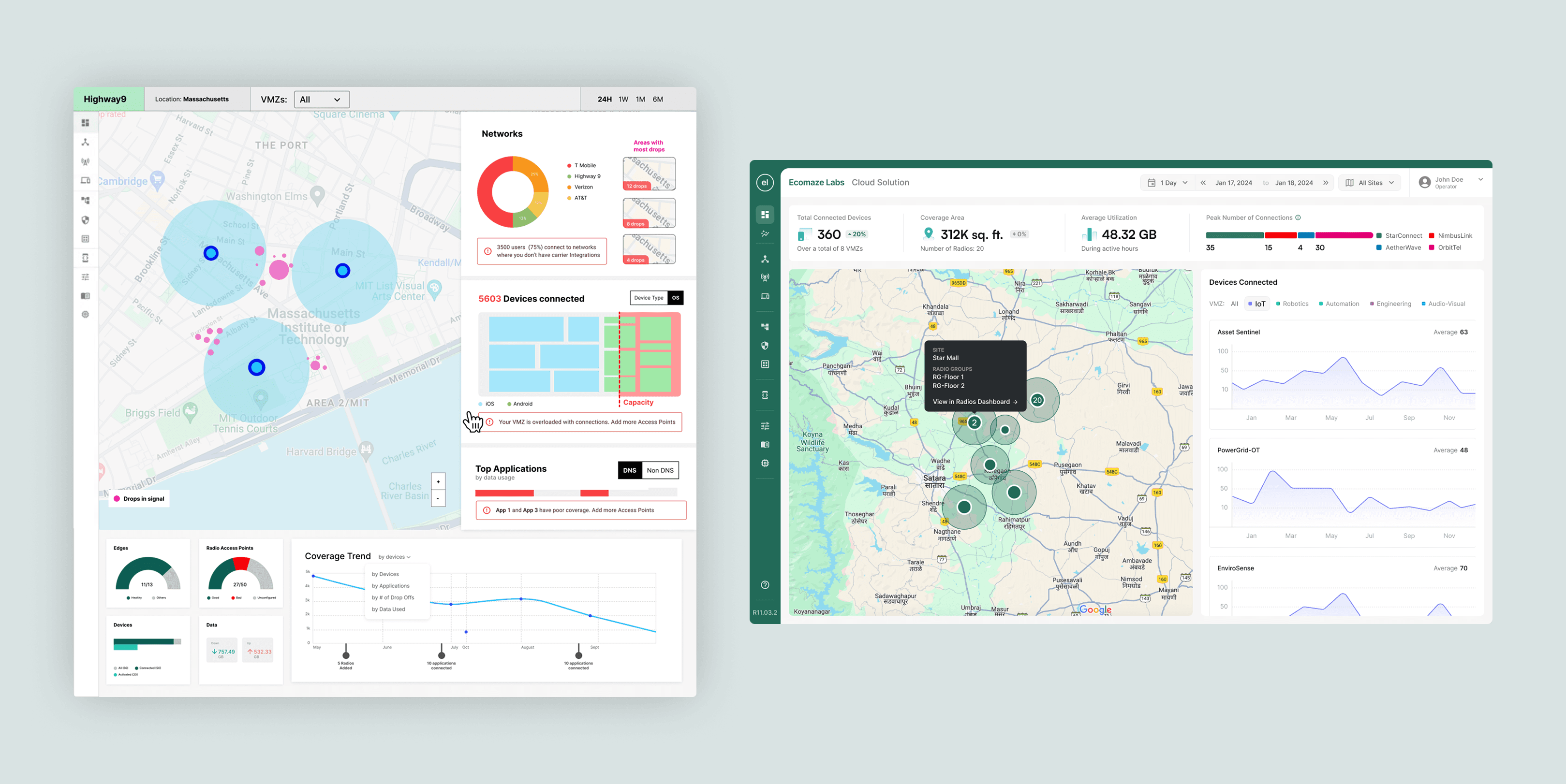
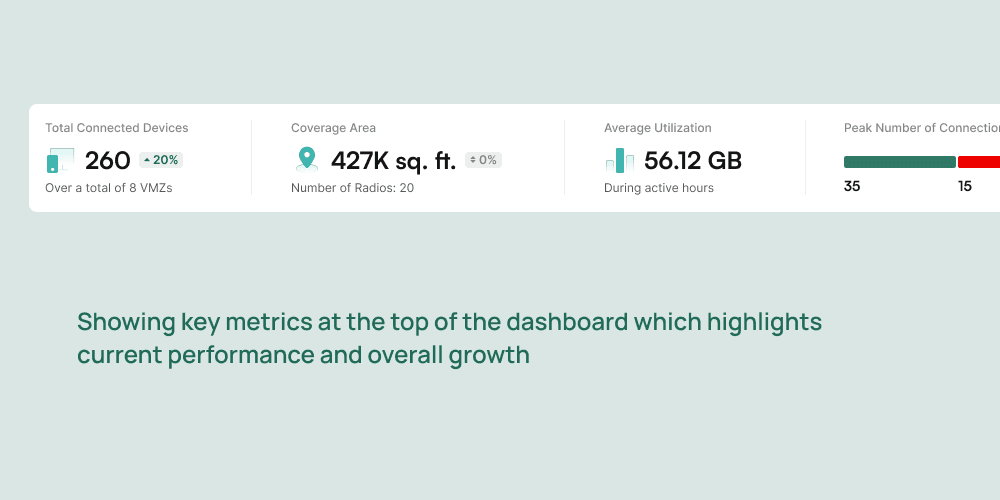
Early layout attempts combined strategic CIO-level metrics with more technical, operational data, partly in response to a stakeholder instinct that the dashboard should feel comprehensive. Through feedback cycles it became clear this was the wrong instinct: the more data we added, the less useful the dashboard became for a CIO. The major layout iteration was a deliberate simplification, removing device-level diagnostics, event timelines, and granular network metrics, and reorganising the remaining content around the map as the primary visual anchor. A second round of iteration refined the KPI selection itself, narrowing from an initial list of 9 candidate metrics down to 4 through structured discussion with the client team about what was actually decision-relevant at the CIO level.
Final Output
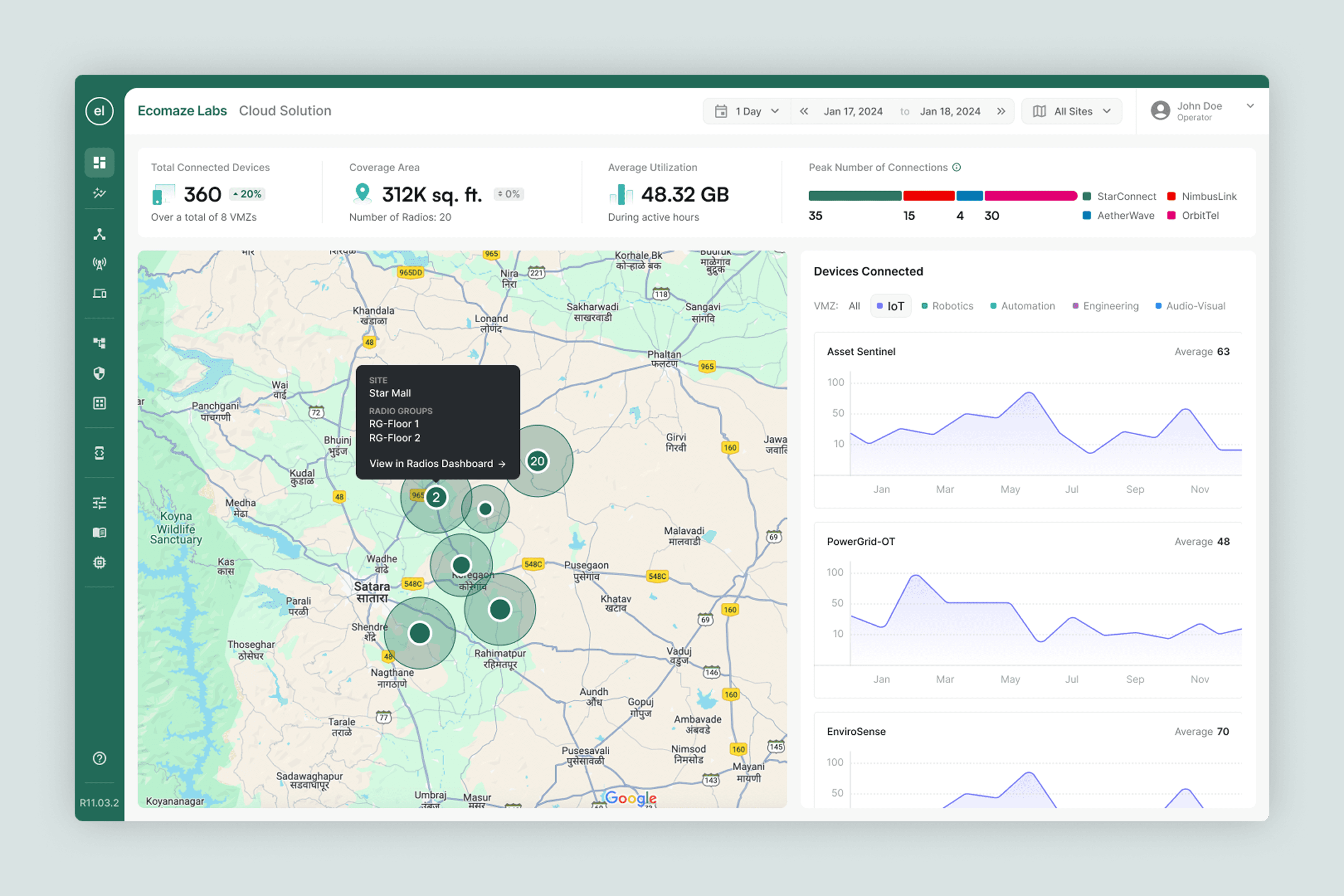
A CIO-facing dashboard featuring a map-first layout with location-based filtering, a prominent time range selector, four high-level KPIs, and a connected devices panel. The design's clarity and broad relevance led to it being adopted beyond the CIO persona. It was ultimately elevated to the core entry point of the entire product, becoming Highway9's primary interface for all users.
Reflection
The most important learning from this project was that designing for simplicity is harder than designing for comprehensiveness. It is easy to add features. It is much harder to defend what you have removed. The CIO dashboard only worked because we were willing to have repeated conversations about what did not belong, and because the client team eventually trusted that restraint was the point, not a limitation. I would apply that discipline earlier in future projects: define what the dashboard is explicitly not for before defining what it is for. The not-for list is often the more valuable document.
More Work
Cloud-based Network Management Platform
Creating a Getting Started Guide for Network Management SaaS
Singapore-based wealthtech platform
Redesigning the Brokerage Portfolio Page for a Wealthtech Platform
Cybersecurity SOC Tool Startup
Building the MVP of a Cybersecurity SOC Tool powered by Agentic AI