Creating a Getting Started Guide for Network Management SaaS
Cutting enterprise network onboarding from weeks to days through a self-serve configuration wizard
Client
Role
Lead Product Designer
Platforms
Desktop
The Problem
Highway9 is a newly launched startup building the industry's first cloud-native enterprise mobile networking solution, combining 5G wireless with AI-driven infrastructure management. After emerging from stealth with rapid customer growth, they hit a painful bottleneck: onboarding a single enterprise client took anywhere from 3 days to 4 weeks.
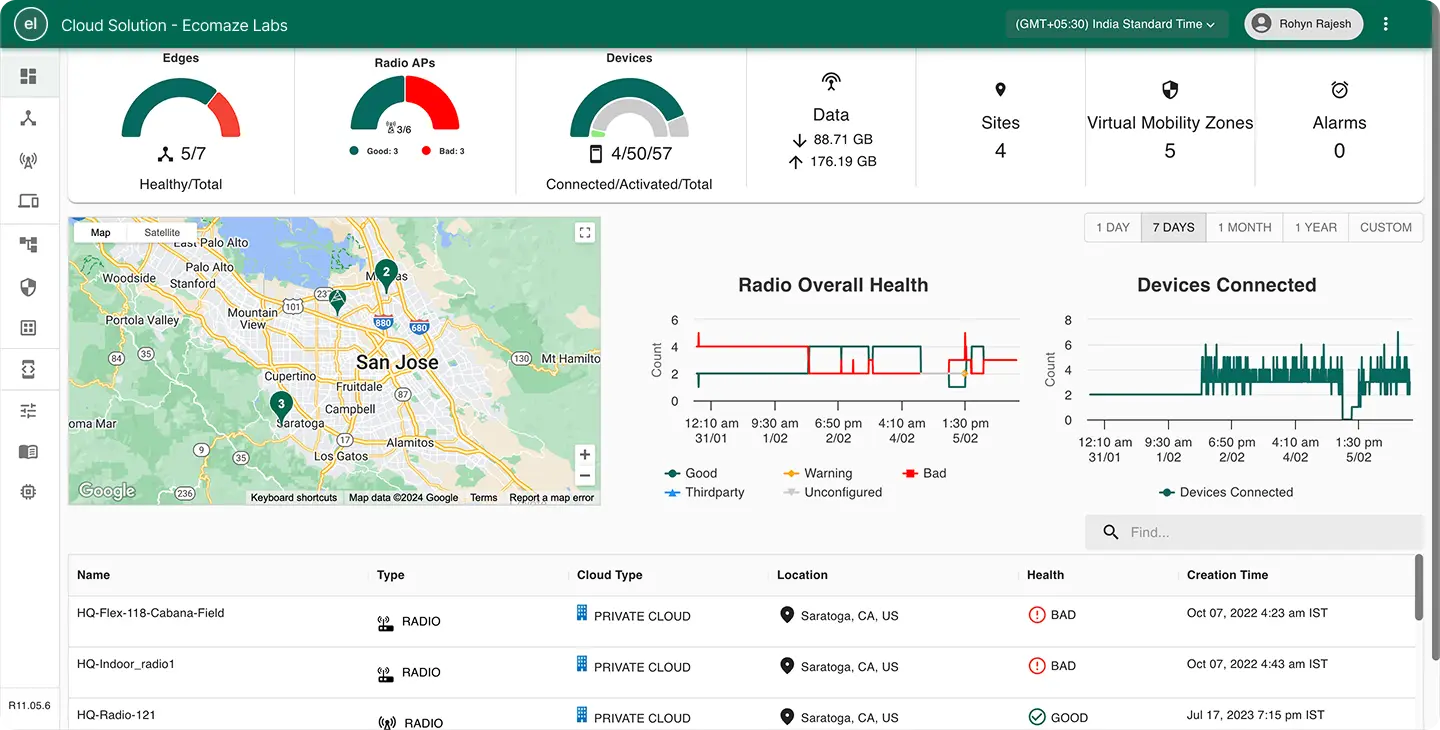
The root cause was not technical. It was process debt. Getting a client onto the platform required coordinating across the client's stakeholders, their on-site engineers, and Highway9's own Cloud Solution team. Network infrastructure details had to be manually collected, validated, and entered. Every setup was a bespoke project.
This was a scaling problem as much as a UX problem. With customer growth accelerating, a process that required this much hand-holding from internal teams was unsustainable. The ask: design a Getting Started wizard that lets clients self-serve their network configuration, reducing dependency on Highway9's support team and dramatically shrinking setup time.
Key Design Decisions
Process
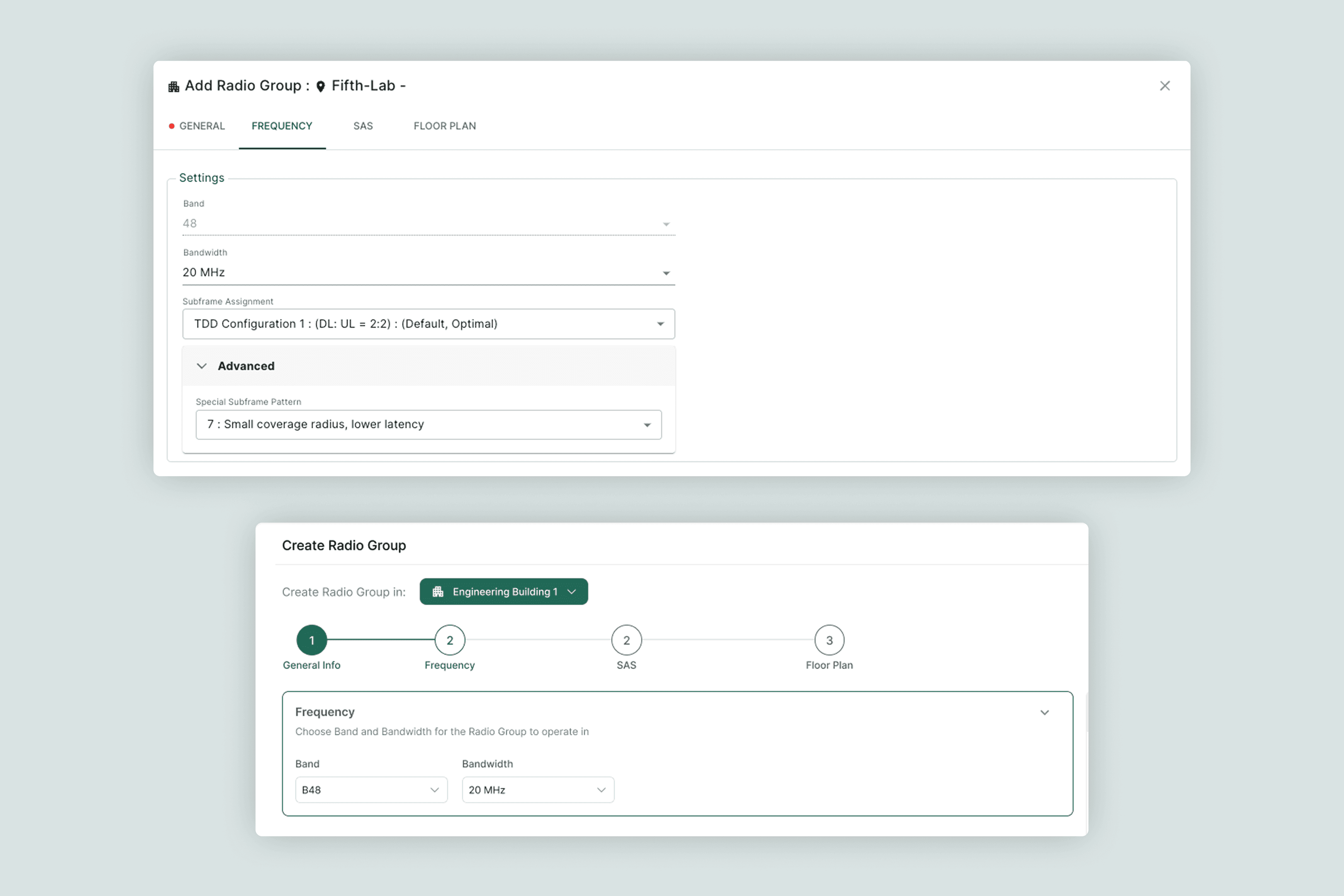
Starting from the existing settings screens, the team mapped which fields were essential during initial onboarding versus post-setup configuration. This information architecture exercise, done collaboratively with engineering, was the most important foundation of the project. Without agreement on scope, the wizard would have been as overwhelming as the manual process it was replacing. Wireframes went through multiple rounds with the CTO and Engineering Lead before moving to high-fidelity.
Iterations
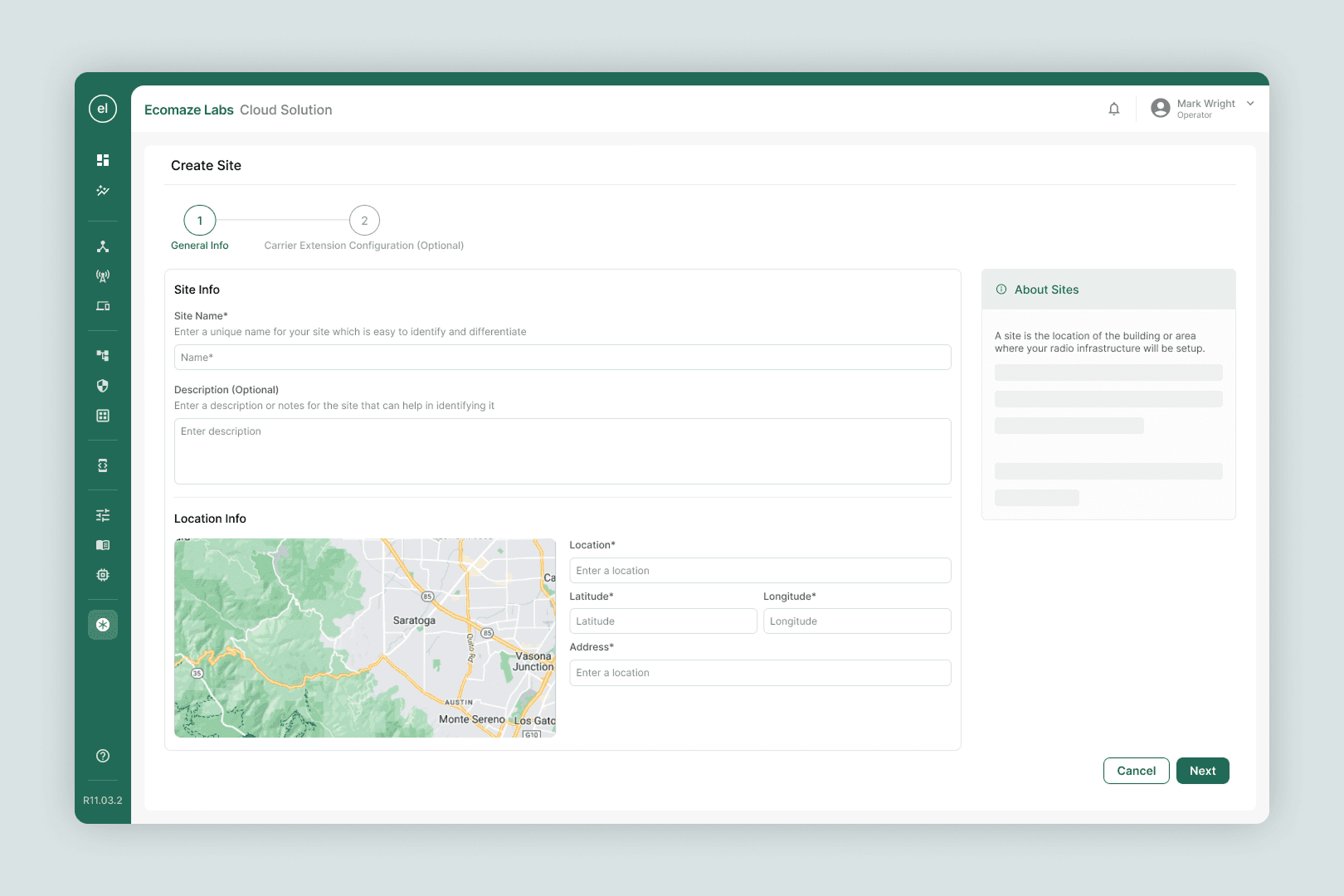
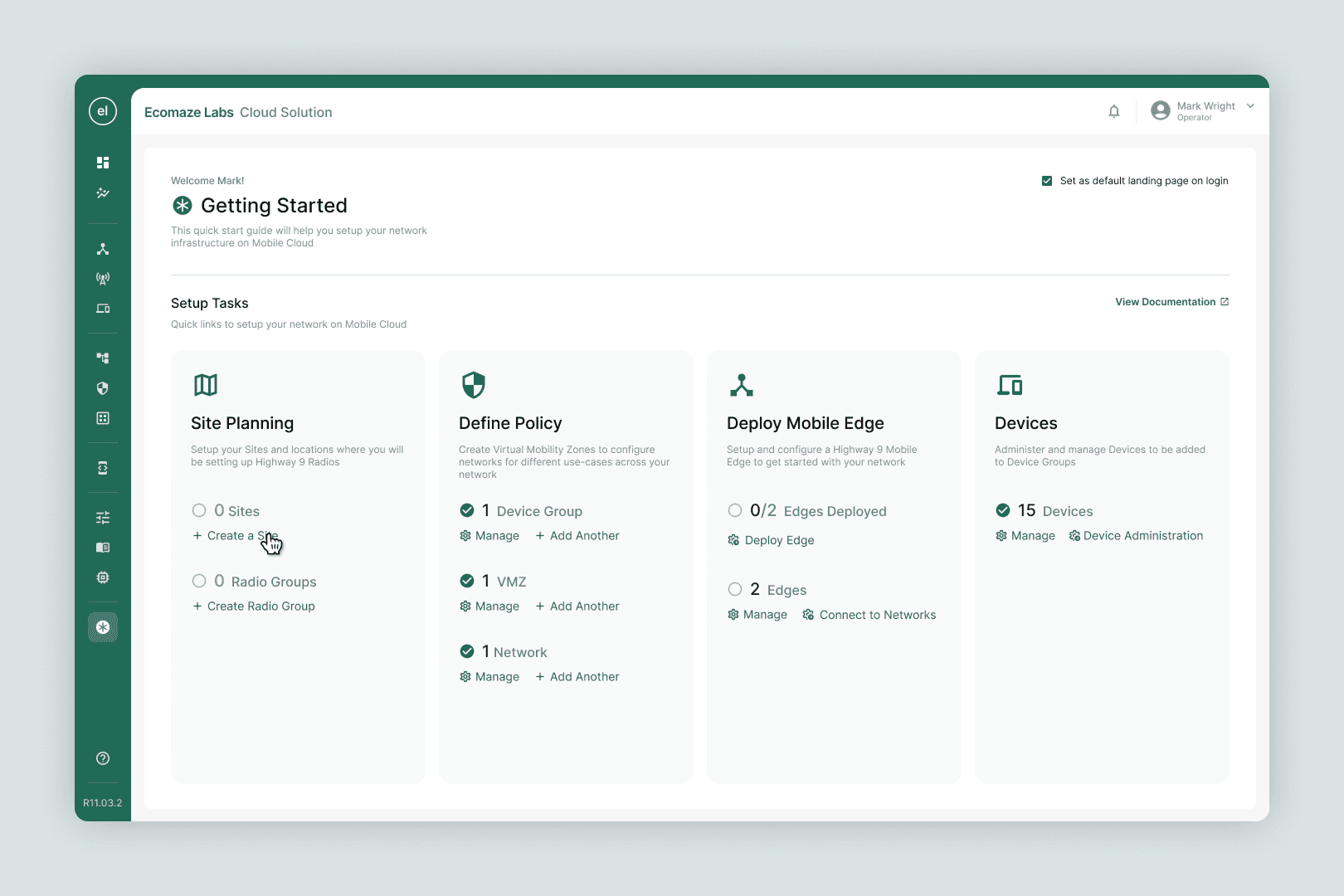
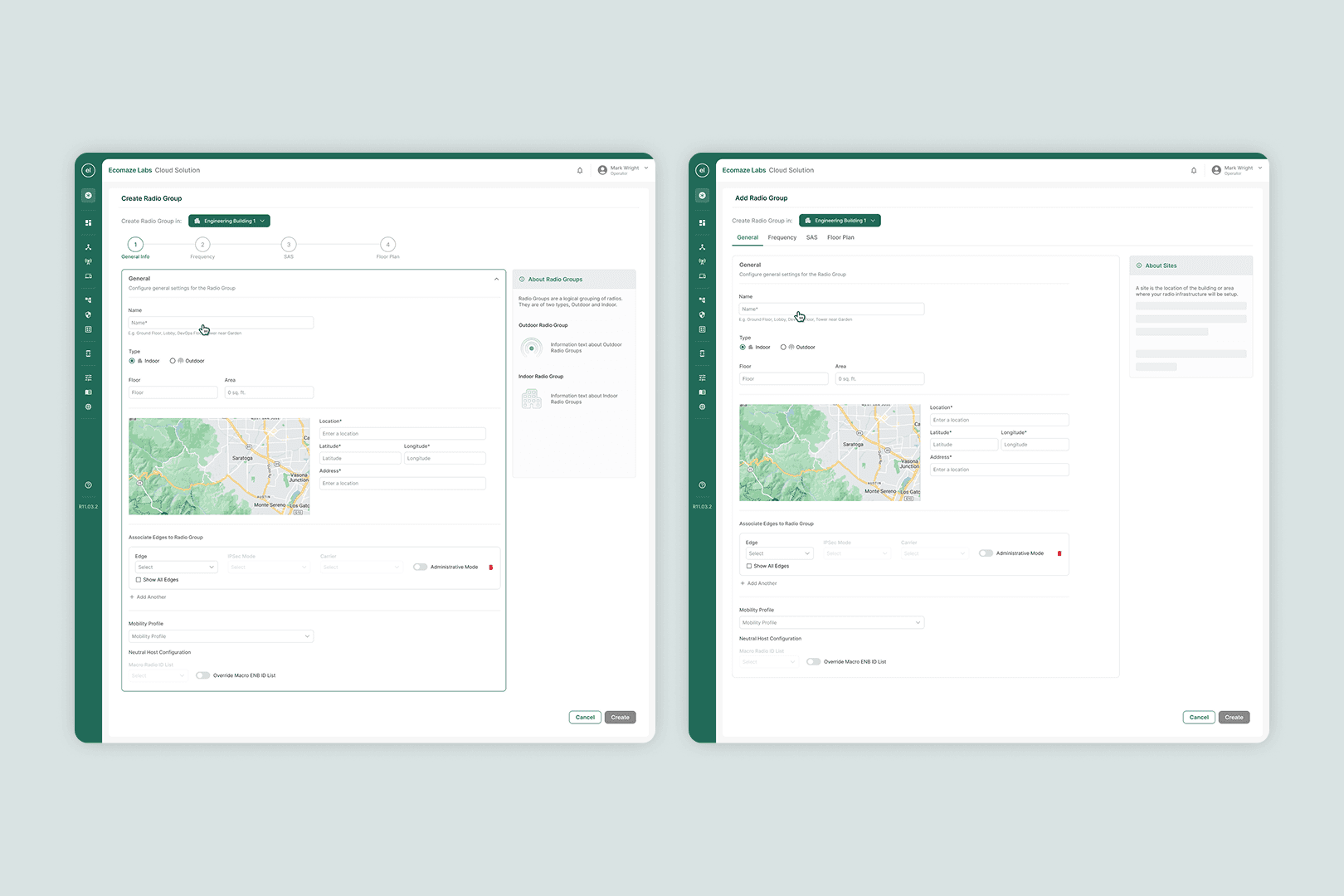
The most significant iteration was the shift from a linear to a non-linear flow. Initial wireframes walked users through all 8 configuration steps in sequence, which felt logical in principle but broke down in stakeholder reviews. Enterprise clients rarely have all infrastructure details available at once. Redesigning for non-linear completion required rethinking the progress model: rather than a step counter, we moved to a checklist-style overview that showed completion status per component. A second iteration addressed the right-column help panel, which in early rounds displayed static definitions. After feedback, this was made contextual, updating dynamically based on the active input field.
Final Output
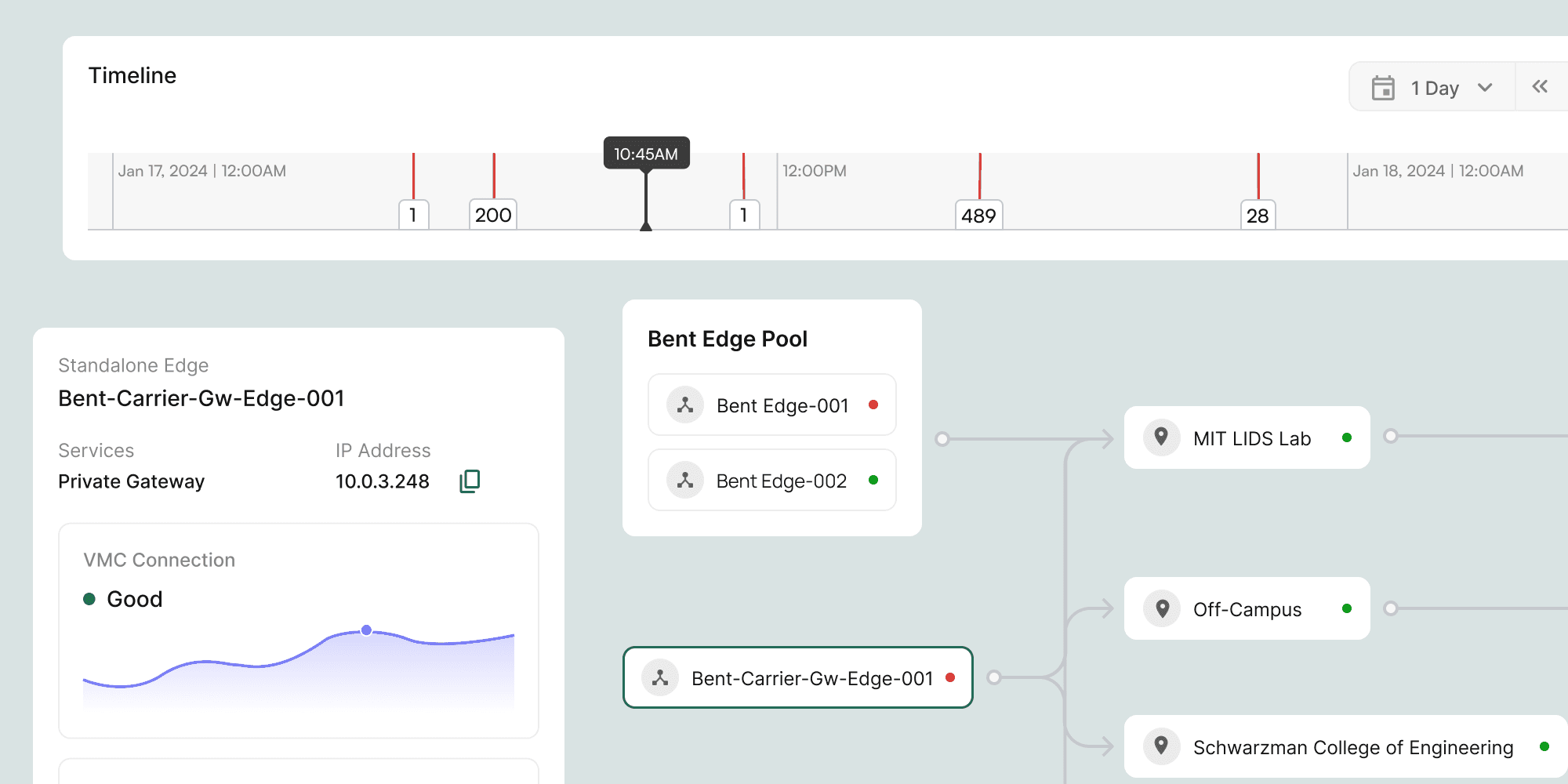
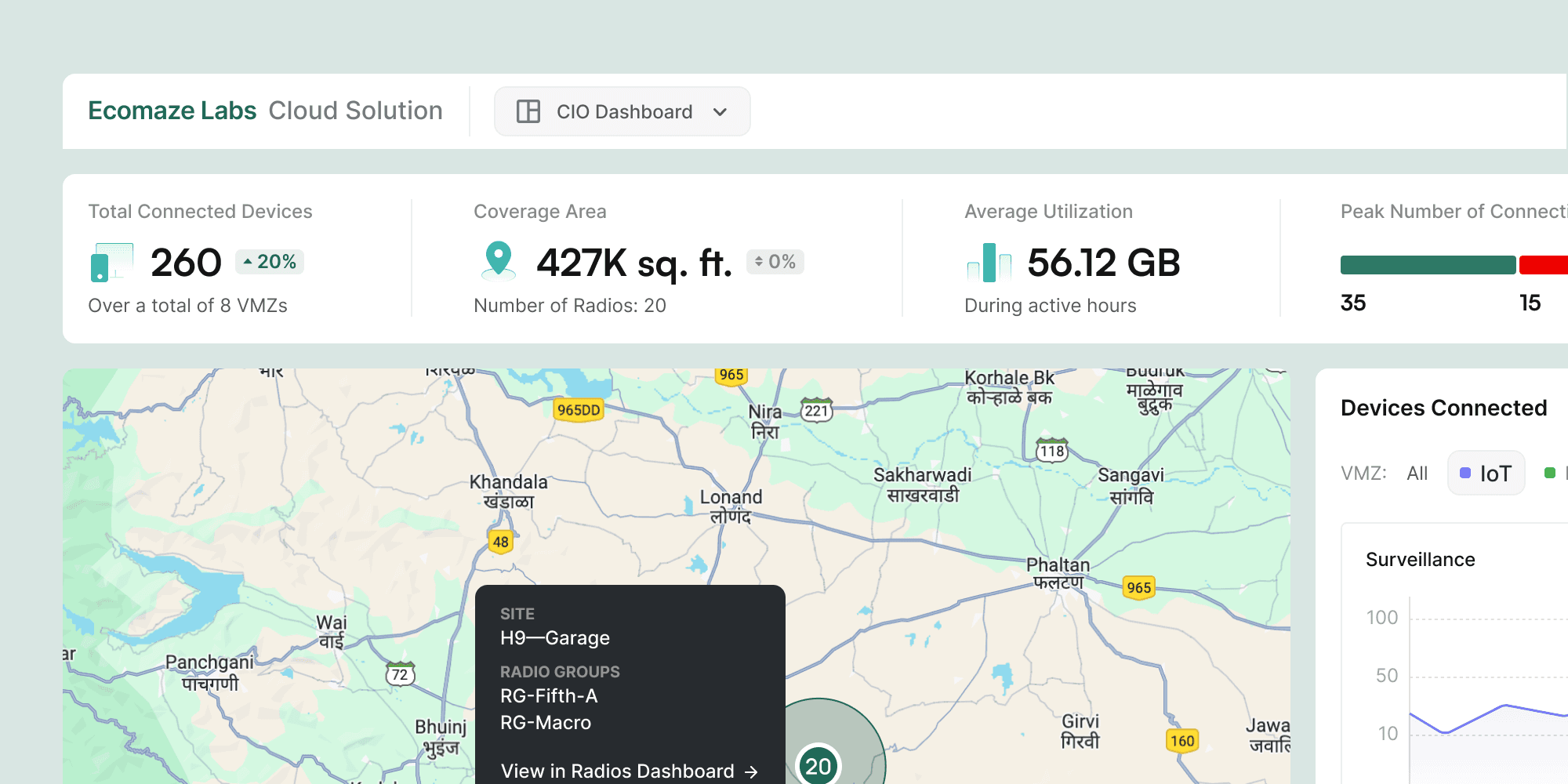
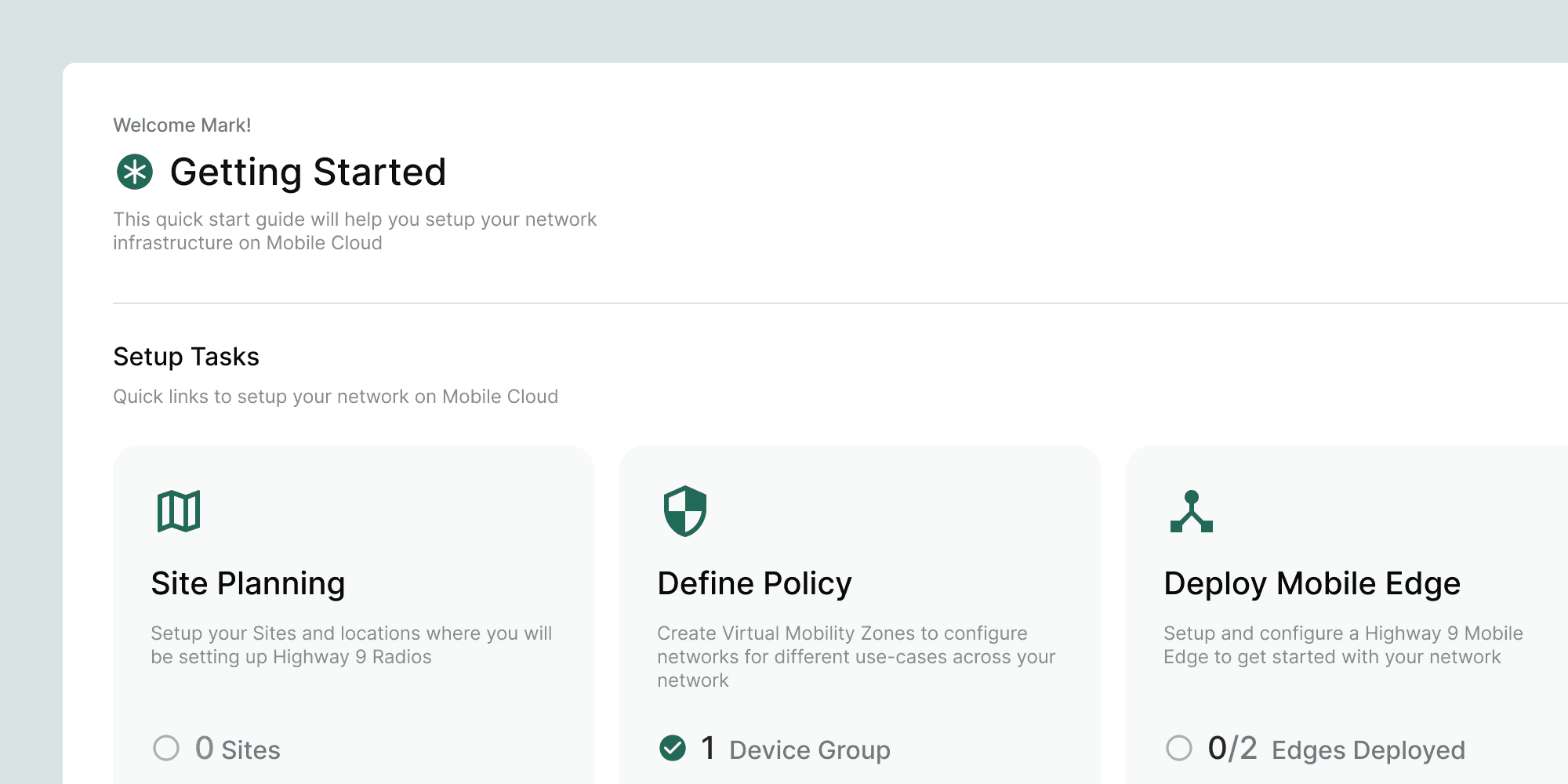
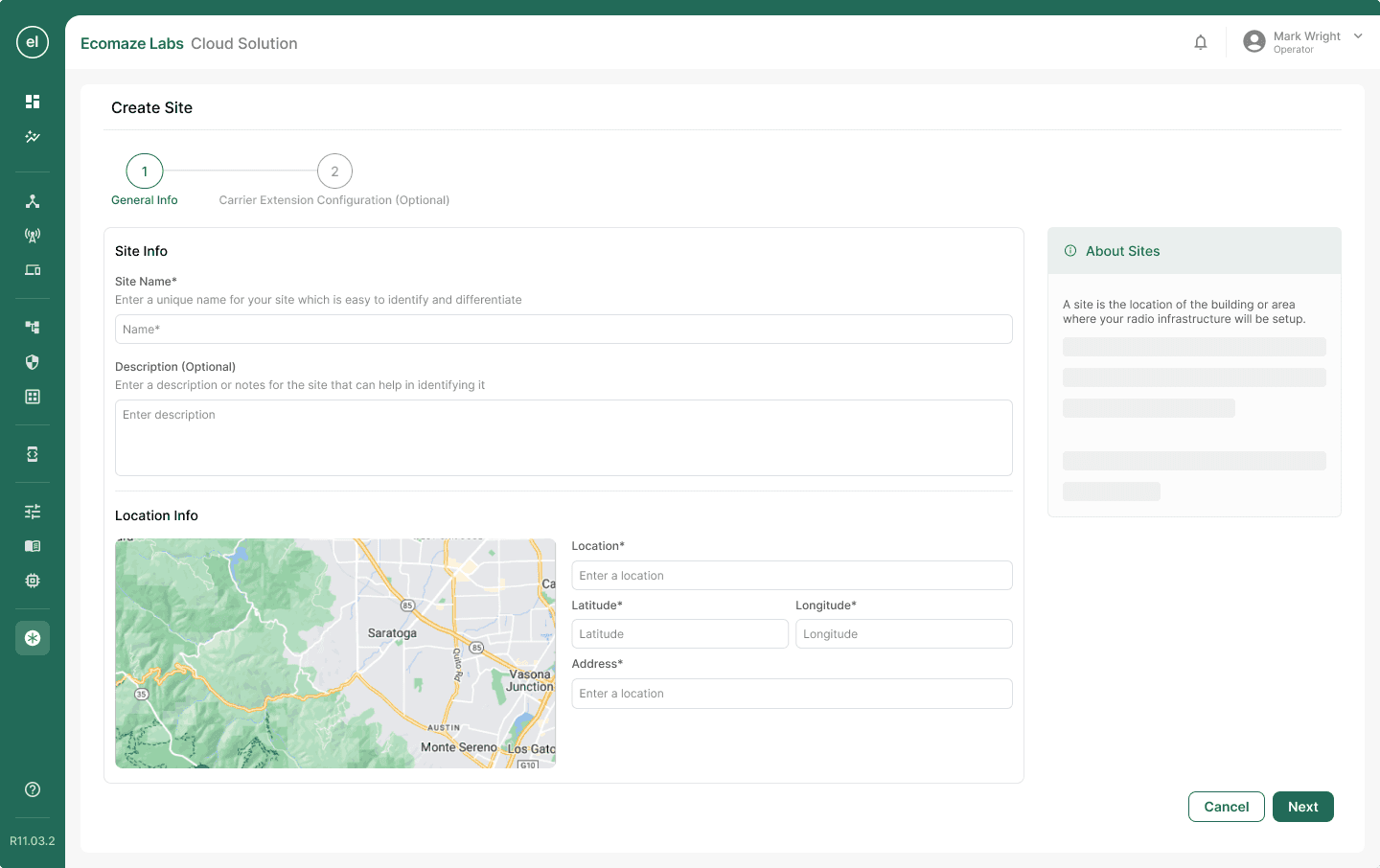
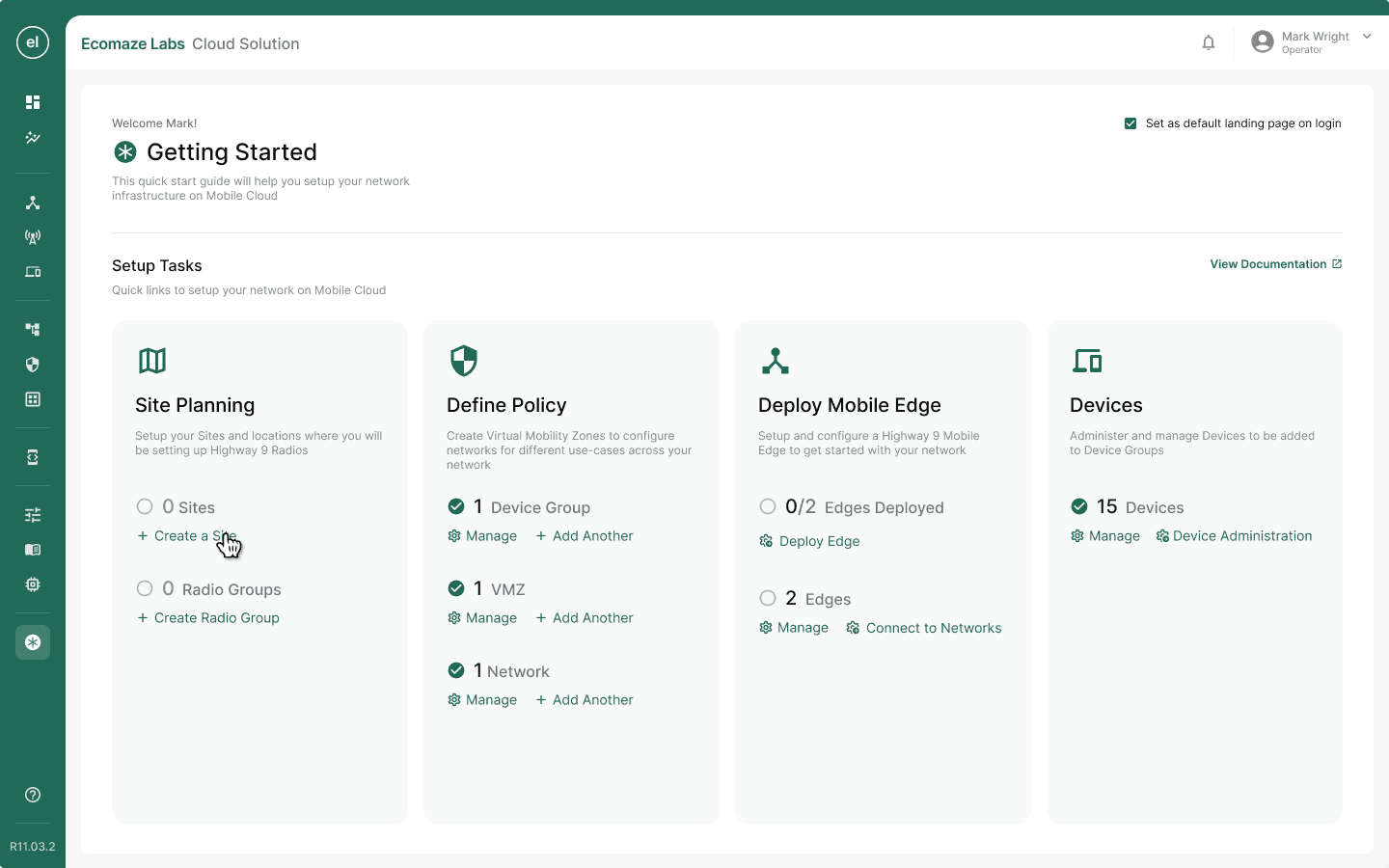
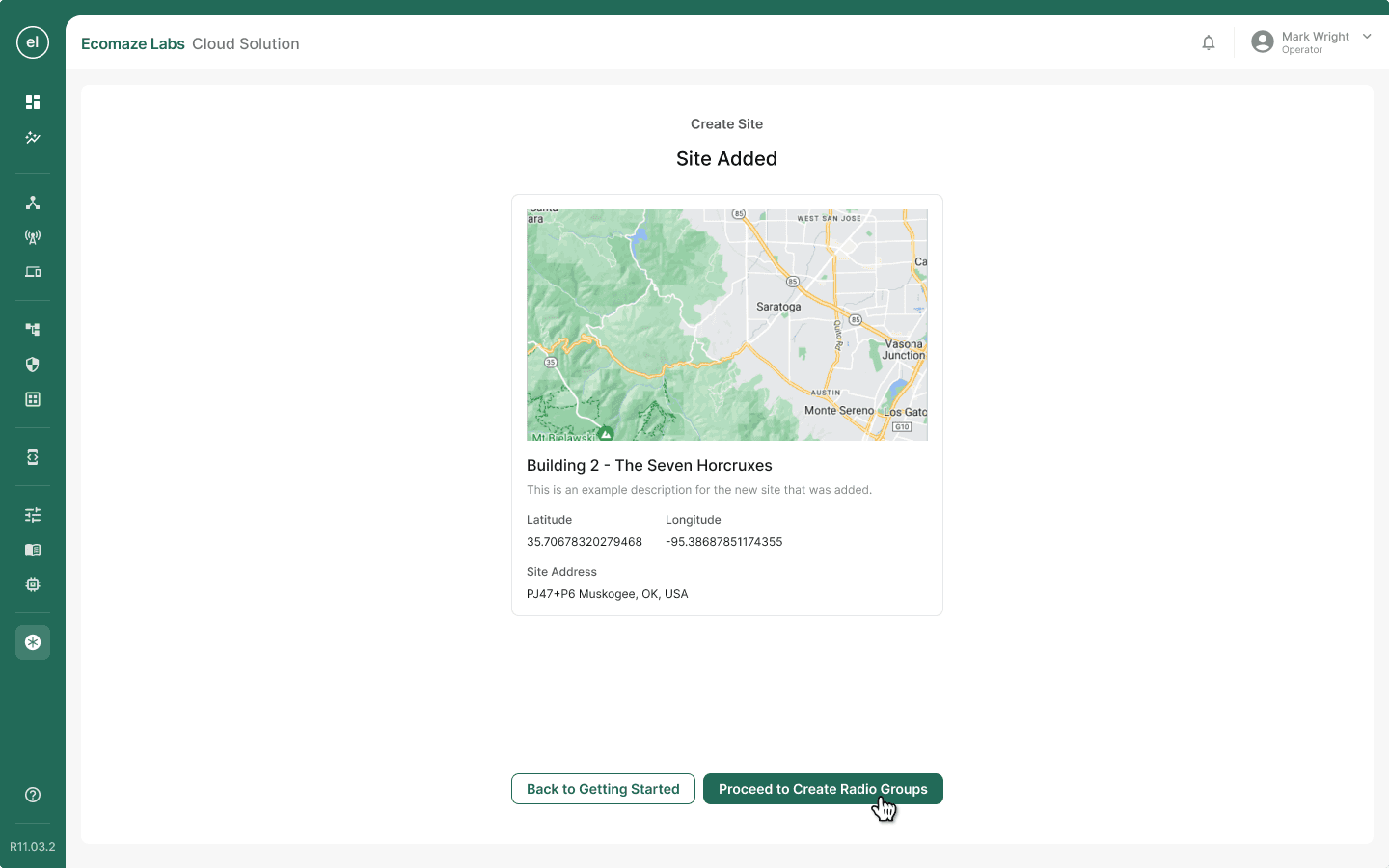
High-fidelity screens covering all 8 configuration flows plus a new device-addition flow. The wizard adopted a full-width layout with a persistent right-column help panel, a non-linear navigation model, and contextual inline definitions. The same layout system was extended to replace the existing settings screens across the product.
Reflection
The most valuable insight from this project came late. Onboarding friction does not start at the dashboard. It starts weeks earlier, during the enquiry and procurement phase, when clients are being asked to provide infrastructure details they have not yet collected. If Highway9 could run a structured data-collection exercise during early sales conversations, that data could pre-fill the wizard. This idea made it onto the roadmap. A discovery conversation with the sales team earlier in the project would have surfaced this opportunity sooner and potentially shaped the wizard's architecture from the start.